
Vector illustration is scalable digital artwork created using mathematical paths and shapes rather than pixels, making it perfect for logos, icons, and brand assets that need to look crisp at any size. Unlike traditional pixel-based images, vector graphics maintain perfect quality whether displayed on a business card or billboard.
The rise of AI-powered design tools has revolutionized how businesses approach vector artwork, making professional illustrations accessible to non-designers. From startups needing brand assets to established companies scaling their visual content, understanding vector graphics has become essential for maintaining consistent, professional visual identity across all platforms.
What Is Vector Illustration?
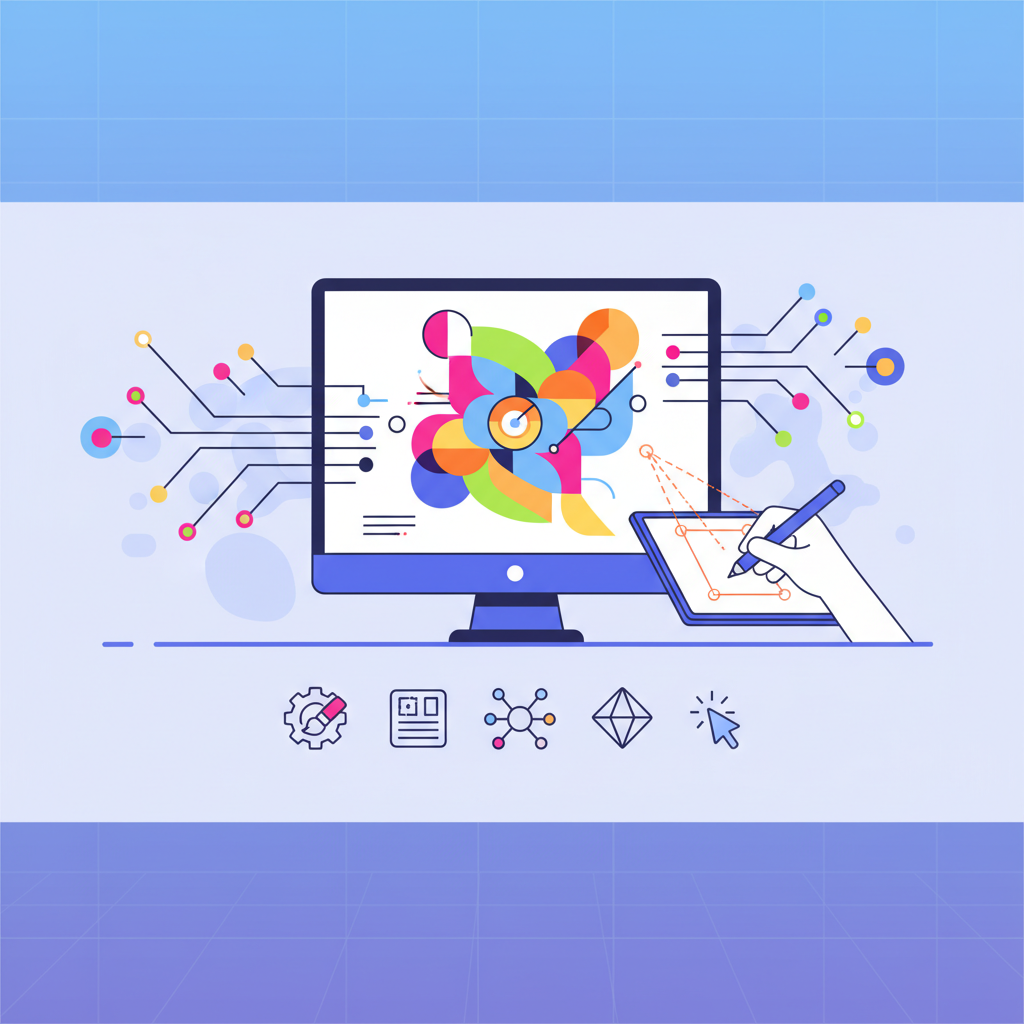
Vector illustration is digital artwork constructed from mathematical paths, curves, and geometric shapes rather than individual pixels. These mathematical formulations allow vector graphics to scale infinitely without losing quality or becoming pixelated. When you zoom into a vector image, the paths remain smooth and crisp because the computer recalculates the mathematical formulas at any size.
Vector graphics differ fundamentally from raster images (like JPEGs or PNGs) which are composed of fixed pixel grids. This path-based approach makes vector illustrations ideal for logos, icons, and any visual elements that need to appear consistently across different sizes and applications.
The core principle behind vector graphics lies in anchor points connected by curves and straight lines. These anchor points define the shape's structure, while Bezier curves determine how lines bend between points. This mathematical foundation ensures that whether your logo appears on a mobile app icon or a trade show banner, it maintains the same crisp, professional appearance.
Key Characteristics of Vector Graphics
Vector graphics possess several distinct advantages that make them indispensable for modern design workflows:
Resolution independence means vector illustrations look identical whether displayed at 72 DPI on a screen or 300 DPI in print. This eliminates the need to create multiple versions of the same artwork for different applications.
Small file sizes result from storing mathematical formulas instead of pixel data. A complex vector logo might only require a few kilobytes, while the same design as a high-resolution raster image could be several megabytes.
Complete editability allows designers to modify colors, shapes, and elements without quality loss. You can change a logo's color scheme, resize elements, or combine graphics seamlessly.
Perfect scalability for responsive design ensures your brand assets look professional on smartwatches, smartphones, desktop monitors, and outdoor displays without creating separate files for each use case.
Vector vs Raster Graphics: Key Differences
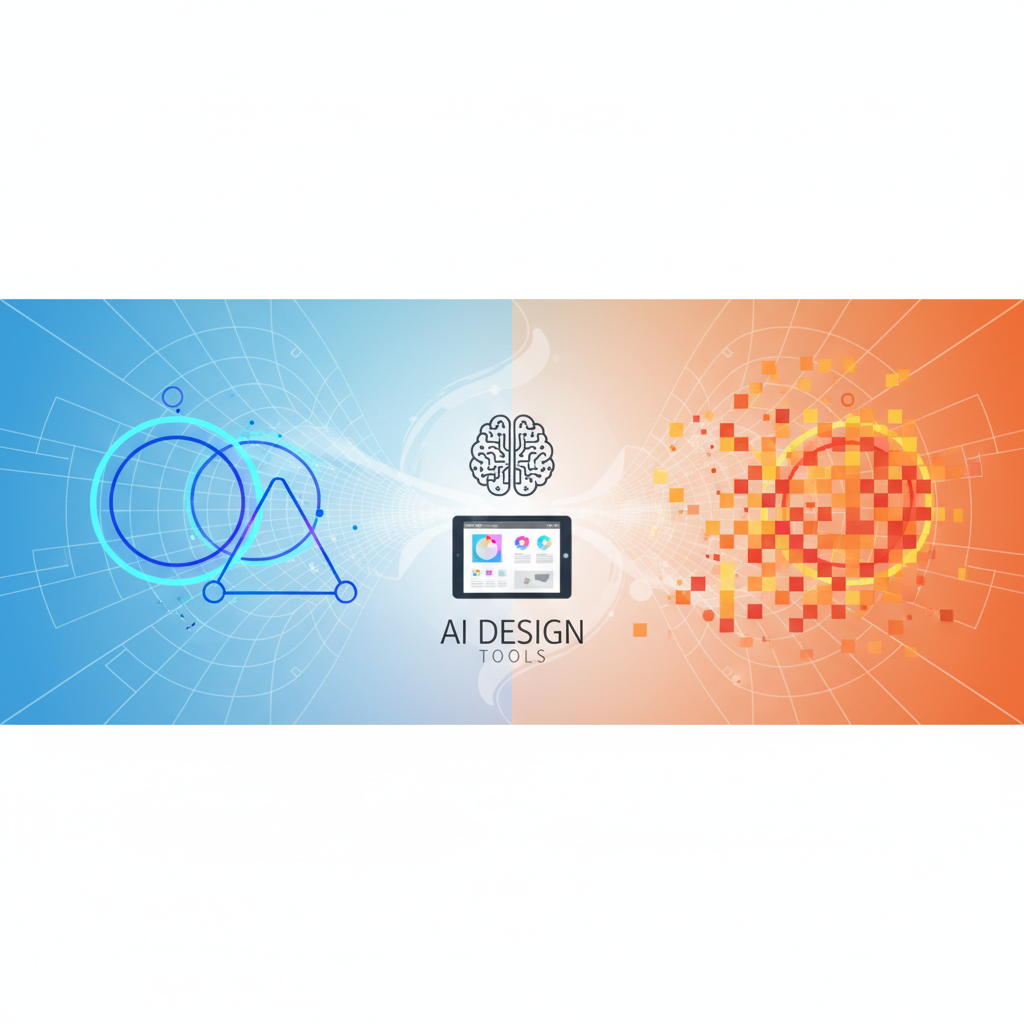
Understanding when to use vector versus raster graphics determines the success of your visual projects. Each format serves specific purposes and excels in different scenarios.
| Characteristic | Vector Graphics | Raster Graphics |
|---|---|---|
| Scalability | Infinite without quality loss | Limited by original resolution |
| File Size | Small, formula-based | Large, pixel-based |
| Best Use Cases | Logos, icons, simple illustrations | Photographs, complex images |
| Editability | Easily modify individual elements | Difficult to edit specific parts |
| Print Quality | Perfect at any size | Depends on resolution |
| Web Performance | Excellent, especially SVG format | Varies by compression |
Vector illustrations excel for brand assets because they maintain visual consistency across all touchpoints. Your logo will appear identical on business cards, websites, and billboards without requiring separate files or quality compromises.
Raster images work better for photographs and complex visual content with many colors and details. Product photos, lifestyle imagery, and artistic photographs require the pixel-based approach to capture nuanced color variations and realistic textures.
When to Use Vector vs Raster
Choose vector illustrations for brand elements including logos, icons, typography-based designs, and simple graphic elements. Vector format ensures these critical brand assets remain sharp and professional across all applications while keeping file sizes manageable for web use.
Select raster images for photographic content such as product shots, team photos, and complex artistic imagery. The pixel-based approach captures the subtle color variations and realistic details that make photographs compelling.
Web design considerations often favor vectors for user interface elements, icons, and decorative graphics due to their scalability and small file sizes. However, hero images and photography typically perform better as optimized raster files to balance visual impact with loading speed.
Why Vector Illustration Matters for Modern Brands
Vector illustrations provide brand consistency across every customer touchpoint, from mobile apps to printed materials. This consistency builds brand recognition and trust by ensuring your visual identity remains unchanged regardless of where customers encounter it.
Modern responsive design demands graphics that adapt seamlessly to different screen sizes and resolutions. Vector illustrations automatically adjust to retina displays, ensuring crisp visuals that enhance user experience and maintain professional credibility across all devices.
Cost-effective scaling becomes crucial as businesses expand across multiple channels and platforms. A single vector logo file serves websites, business cards, vehicle wraps, and trade show displays without requiring expensive recreation for each application.
The professional appearance of vector graphics reflects positively on brand perception. Pixelated or blurry logos signal unprofessionalism, while crisp vector graphics communicate attention to detail and quality standards that customers associate with reliable businesses.
Impact on User Experience and Conversions
Visual content increases engagement by 94% compared to text-only content, according to marketing research. Vector illustrations contribute to this engagement by loading quickly and displaying clearly across all devices, reducing bounce rates from poor visual experiences.
Improved loading times result from vector graphics' smaller file sizes compared to high-resolution raster images. Faster page loads directly correlate with higher conversion rates, especially on mobile devices where connection speeds vary.
Multi-device compatibility ensures consistent user experiences whether customers browse on smartphones, tablets, or desktop computers. This consistency builds trust and reduces friction in the customer journey, supporting higher conversion rates and customer satisfaction.
Essential Vector File Formats and Software
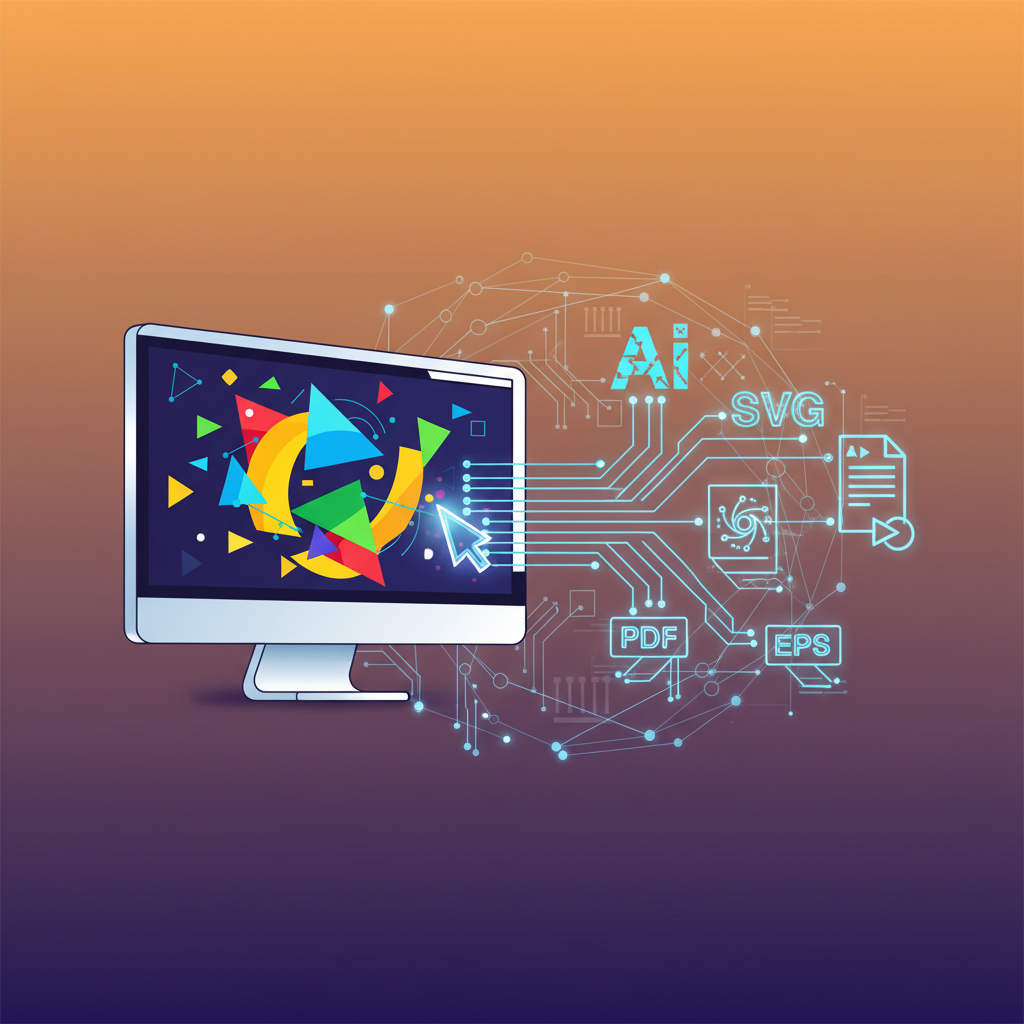
SVG (Scalable Vector Graphics) serves as the premier web format, supported by all modern browsers and offering interactive capabilities. SVG files can include animations, hover effects, and clickable elements while maintaining small file sizes perfect for responsive websites.
AI (Adobe Illustrator) format provides the industry standard for professional vector work, offering complete compatibility with design workflows and advanced features for complex illustrations.
EPS (Encapsulated PostScript) ensures broad compatibility across different design software and printing systems, making it ideal for projects requiring vendor flexibility.
PDF (Portable Document Format) combines vector and raster elements while maintaining universal compatibility, perfect for sharing designs with clients or preparing print-ready files.
Popular software options range from professional tools like Adobe Illustrator and CorelDRAW to accessible alternatives like Figma, Affinity Designer, and Inkscape. Each offers different feature sets and pricing models to match various skill levels and project requirements.
Choosing the Right Format for Your Project
Web applications favor SVG for its browser compatibility, interactive capabilities, and search engine optimization benefits. SVG graphics can be styled with CSS and animated with JavaScript, providing dynamic user experiences while maintaining perfect scalability.
Print projects often require EPS or PDF formats to ensure compatibility with professional printing equipment and color management systems. These formats preserve vector data while supporting the complex color profiles needed for high-quality printed materials.
Export best practices include optimizing SVG code for web use, maintaining proper color profiles for print, and creating appropriate fallback formats for older browser compatibility.
Traditional vs AI-Powered Vector Tools
Adobe Illustrator represents traditional vector creation, offering complete control over every path and anchor point. This approach provides unlimited creative flexibility but requires significant time investment and technical skill development.
AI-powered vector generators like those integrated into modern design platforms create professional illustrations from text prompts or reference images. This approach dramatically reduces creation time and eliminates the learning curve associated with traditional vector tools.
Learning curve differences make AI tools accessible to marketers and non-designers who need quality vector assets without mastering complex software. Traditional tools require months or years of practice to achieve professional results, while AI tools can generate usable artwork in minutes.
Cost and time comparisons show significant advantages for AI-generated vectors in business contexts. Traditional illustration might cost hundreds of dollars and take days or weeks, while AI tools can produce multiple variations in minutes for a fraction of the cost.
How to Create Vector Illustrations: Step-by-Step
Creating vector illustrations traditionally involves mastering fundamental techniques and building complexity gradually. Follow these steps to understand the core concepts while developing practical skills.
Step 1: Start with basic shapes as building blocks for more complex illustrations. Rectangles, circles, and polygons serve as foundations that can be combined, modified, and styled to create sophisticated designs.
Step 2: Master the pen tool for creating custom paths and curves. This essential tool allows you to draw any shape by placing anchor points and adjusting curve handles to achieve the desired form.
Step 3: Apply colors and gradients to bring your illustration to life. Vector graphics support solid fills, gradients, and even pattern fills while maintaining complete editability of all elements.
Step 4: Organize using layers to manage complex projects efficiently. Proper layer structure makes editing easier and ensures consistent styling across related elements.
Step 5: Prepare exports in appropriate formats for your intended use. Web projects need optimized SVG files, while print projects require high-resolution PDF or EPS formats.
Essential Techniques for Beginners
Using basic shapes effectively involves understanding how simple geometric forms combine to create complex illustrations. The pathfinder panel in most vector software allows you to merge, subtract, and intersect shapes to build sophisticated designs from simple components.
Pen tool fundamentals require practice but unlock unlimited creative potential. Start with simple straight lines, then progress to curves, learning how anchor point types and handle adjustments affect line behavior.
Working with layers keeps projects organized and editable. Name layers descriptively, group related elements, and use layer locks to prevent accidental modifications while working on other elements.
Color theory basics help create harmonious and effective color schemes. Understanding complementary colors, analogous palettes, and the psychological impact of different hues improves illustration effectiveness and brand alignment.
Creating Vector Illustrations with AI Tools
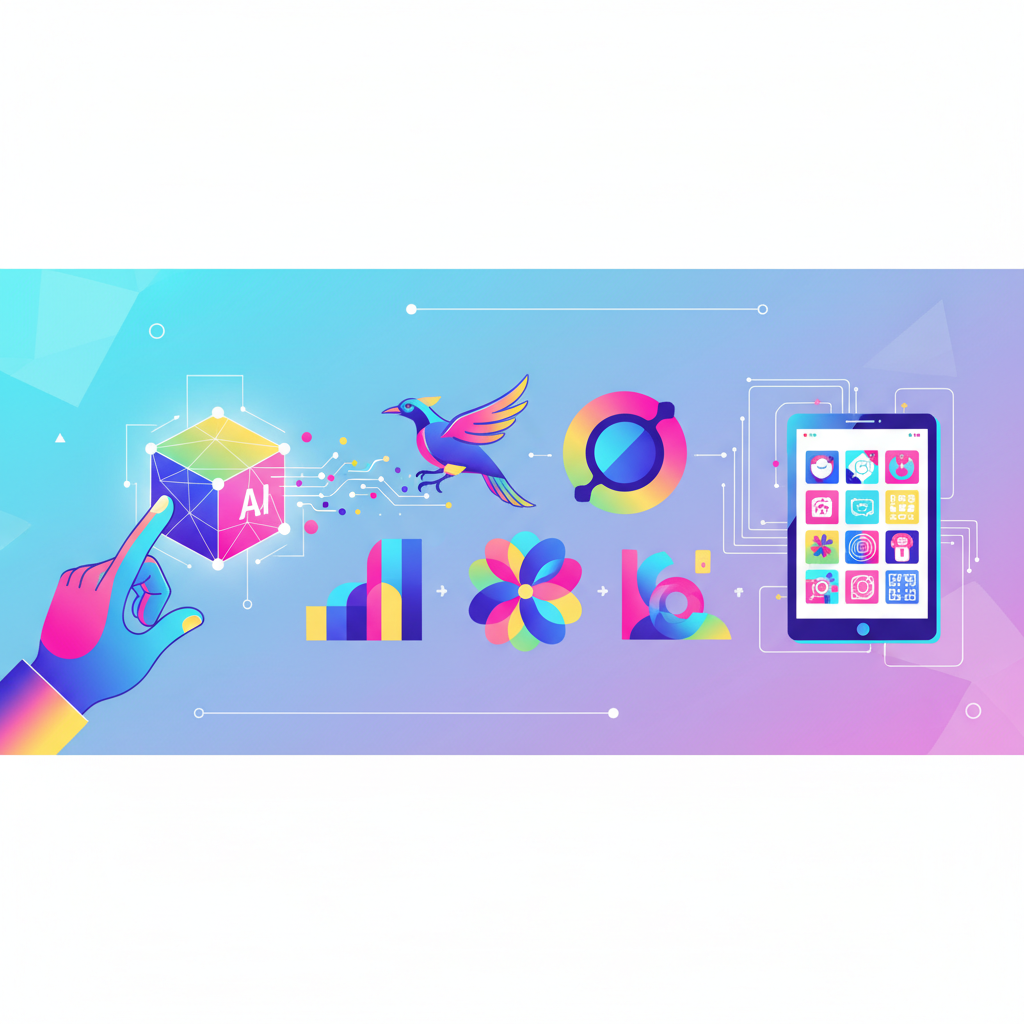
AI-powered vector creation revolutionizes how businesses approach custom illustrations by eliminating technical barriers while maintaining professional quality. Modern AI tools understand design principles, brand consistency, and style requirements through text prompts and visual references.
Prompt-based generation allows non-designers to communicate their vision using natural language descriptions. Instead of learning complex software, marketers can describe their needs: "modern flat illustration of a team collaborating around a digital dashboard" and receive multiple professional options within minutes.
Style consistency across multiple illustrations becomes achievable through AI's ability to learn and replicate specific visual approaches. This consistency supports cohesive brand experiences without requiring extensive style guides or design expertise.
Rapid iteration enables A/B testing of different visual approaches, seasonal variations, and campaign-specific adaptations. Traditional illustration workflows might require weeks to explore variations, while AI tools generate alternatives instantly.
The cost and time benefits make professional vector illustrations accessible to small businesses and startups that previously couldn't afford custom artwork. This democratization of design capabilities levels the playing field for businesses competing against larger organizations with extensive design resources.
From Concept to Vector in Minutes
Step 1: Write effective prompts by describing style, subject, mood, and specific elements clearly. Include details about color preferences, composition, and intended use to help AI generate relevant options.
Step 2: Select appropriate styles from available options, considering your brand guidelines and target audience preferences. Modern AI tools offer styles ranging from minimalist line art to detailed isometric illustrations.
Step 3: Refine through iteration by adjusting prompts, trying variations, and combining successful elements from different generations. This iterative approach helps achieve perfect alignment with your vision.
Step 4: Export for different uses by generating appropriate file formats and sizes for web, print, and social media applications.
Maintaining Brand Consistency with AI
Style guides for AI help maintain visual consistency by defining preferred colors, illustration styles, and compositional approaches. These guidelines ensure all generated artwork aligns with existing brand standards and visual identity.
Color palette control maintains brand consistency by incorporating specific hex codes and color relationships into generation prompts. This approach ensures new illustrations complement existing brand assets and marketing materials.
Brand element integration allows AI-generated illustrations to incorporate existing logos, icons, and visual motifs, creating cohesive brand experiences across all customer touchpoints and communication channels.
Practical Use Cases for Marketers and Designers

Vector illustrations enhance marketing effectiveness by communicating complex ideas quickly and memorably. From explaining software features to illustrating abstract concepts, vector graphics make content more engaging and easier to understand.
Modern marketing campaigns require consistent visual assets across multiple channels and formats. Vector illustrations provide this flexibility, adapting seamlessly from social media posts to email headers to trade show banners without quality loss or additional design costs.
Brand identity systems built on vector foundations ensure professional consistency across all business applications. From business cards to building signage, vector-based brand assets maintain visual integrity at every scale and application.
The ROI of vector illustrations extends beyond immediate marketing needs. Once created, vector assets serve multiple purposes over time, reducing ongoing design costs while building visual brand equity that differentiates businesses in competitive markets.
Web Design and App Development
Icons and UI elements created as vectors scale perfectly across different screen densities and sizes. This scalability ensures consistent user experiences from smartwatches to desktop monitors while keeping file sizes optimized for fast loading.
Onboarding illustrations help users understand app functionality and value propositions quickly. Vector graphics excel in this role because they communicate concepts clearly while loading fast on mobile connections where first impressions matter most.
Empty state graphics turn potentially frustrating user experiences into opportunities for engagement and guidance. Well-designed vector illustrations can encourage user action while maintaining brand personality even in error scenarios.
Loading animations created with vector graphics provide smooth, engaging experiences while content loads. These animations maintain crisp quality across all devices while keeping file sizes minimal for optimal performance.
Content Marketing and Social Media
Blog post illustrations increase engagement rates and help readers understand complex topics. Converting raster images to vectors allows marketers to create custom graphics that align with their content strategy and brand guidelines.
Social media templates built with vector graphics adapt easily to different platform requirements and seasonal campaigns. A single vector design can generate content for Instagram posts, Facebook covers, Twitter headers, and LinkedIn graphics without quality compromises.
Infographic elements communicate data and processes more effectively than text alone. Vector illustrations in infographics remain readable at any size, from detailed desktop viewing to thumbnail previews on mobile feeds.
Email newsletter graphics enhance open rates and click-through rates while maintaining consistent brand presentation across different email clients and devices. Vector graphics ensure professional appearance regardless of how recipients view your messages.
Converting Raster Images to Vector Format
Auto-trace functionality in modern vector software can convert simple raster images into editable vector paths. This process works best with high-contrast images, clear shapes, and limited color palettes typical of logos and simple illustrations.
Step 1: Prepare your raster image by increasing contrast, reducing noise, and simplifying colors to help the tracing algorithm identify clean edges and shapes.
Step 2: Use auto-trace tools available in software like Adobe Illustrator, which analyze pixel patterns and generate corresponding vector paths automatically.
Step 3: Clean up results by removing unnecessary anchor points, smoothing curves, and adjusting paths to match the original design intent.
Step 4: Optimize for intended use by simplifying paths for web use or maintaining detail for print applications.
Manual tracing techniques provide more control over the final result but require more time and skill. This approach involves drawing new vector paths over raster reference images, allowing complete customization of the final vector artwork.
When conversion makes sense depends on the source image quality and intended use. Simple logos, text-based designs, and geometric illustrations convert well, while photographs and complex artwork typically don't benefit from vectorization.
Quality considerations include understanding that not all raster images should become vectors. The conversion process works best when the original was likely created as vector artwork but only available in raster format.
Frequently Asked Questions About Vector Illustration
What is the difference between vector and raster graphics?
Vector graphics use mathematical paths and shapes that scale infinitely without quality loss, while raster graphics are made of pixels with fixed resolution. Vector illustrations remain crisp at any size, making them perfect for logos and icons, whereas raster images work better for photographs with complex color variations.
Can I convert a JPEG or PNG to vector format?
Yes, through tracing processes that convert pixels into vector paths. Auto-trace tools work well for simple, high-contrast images like logos, while complex photographs typically don't convert effectively. AI-powered conversion tools increasingly offer better results for challenging source images.
What software do I need to create vector illustrations?
Professional options include Adobe Illustrator, Affinity Designer, and CorelDRAW, while free alternatives like Inkscape provide basic functionality. Modern AI-powered tools like those integrated into design platforms can generate vector illustrations from text prompts without traditional software knowledge.
Are vector illustrations better for websites?
Vector illustrations offer significant advantages for web use, including smaller file sizes, perfect scalability across devices, and crisp appearance on retina displays. SVG format provides additional benefits like CSS styling compatibility and interactive capabilities that enhance user experience.
How much does it cost to create custom vector illustrations?
Traditional custom illustration can cost $100-1000+ per piece depending on complexity and designer experience. AI-powered tools offer professional-quality vector illustrations for a fraction of the cost, making custom artwork accessible to small businesses and startups with limited budgets.
Can vector illustrations be animated?
Yes, vector graphics can be animated using various techniques. SVG format supports CSS and JavaScript animation for web use, while specialized software can create complex motion graphics. Vector animation maintains quality advantages while keeping file sizes manageable for web delivery.
Conclusion
Vector illustrations offer unmatched flexibility for modern digital design needs, providing scalable, editable artwork that maintains professional quality across all applications. Whether you choose traditional design software or embrace AI-powered solutions, understanding vector graphics fundamentals helps you create consistent brand experiences that engage audiences and support business growth.
The democratization of vector illustration through AI tools means that marketers, small businesses, and non-designers can now access professional-quality custom artwork without extensive technical training or budget constraints. This accessibility transforms how businesses approach visual branding and content creation.
Modern vector illustration workflows support rapid iteration, consistent branding, and cost-effective scaling across multiple channels and formats. By leveraging these capabilities, businesses can build stronger visual identities that resonate with their target audiences while adapting quickly to changing market demands and opportunities.